How Many Plasterboard Sheets Do I Need for a Room? Walls, Ceilings and Openings

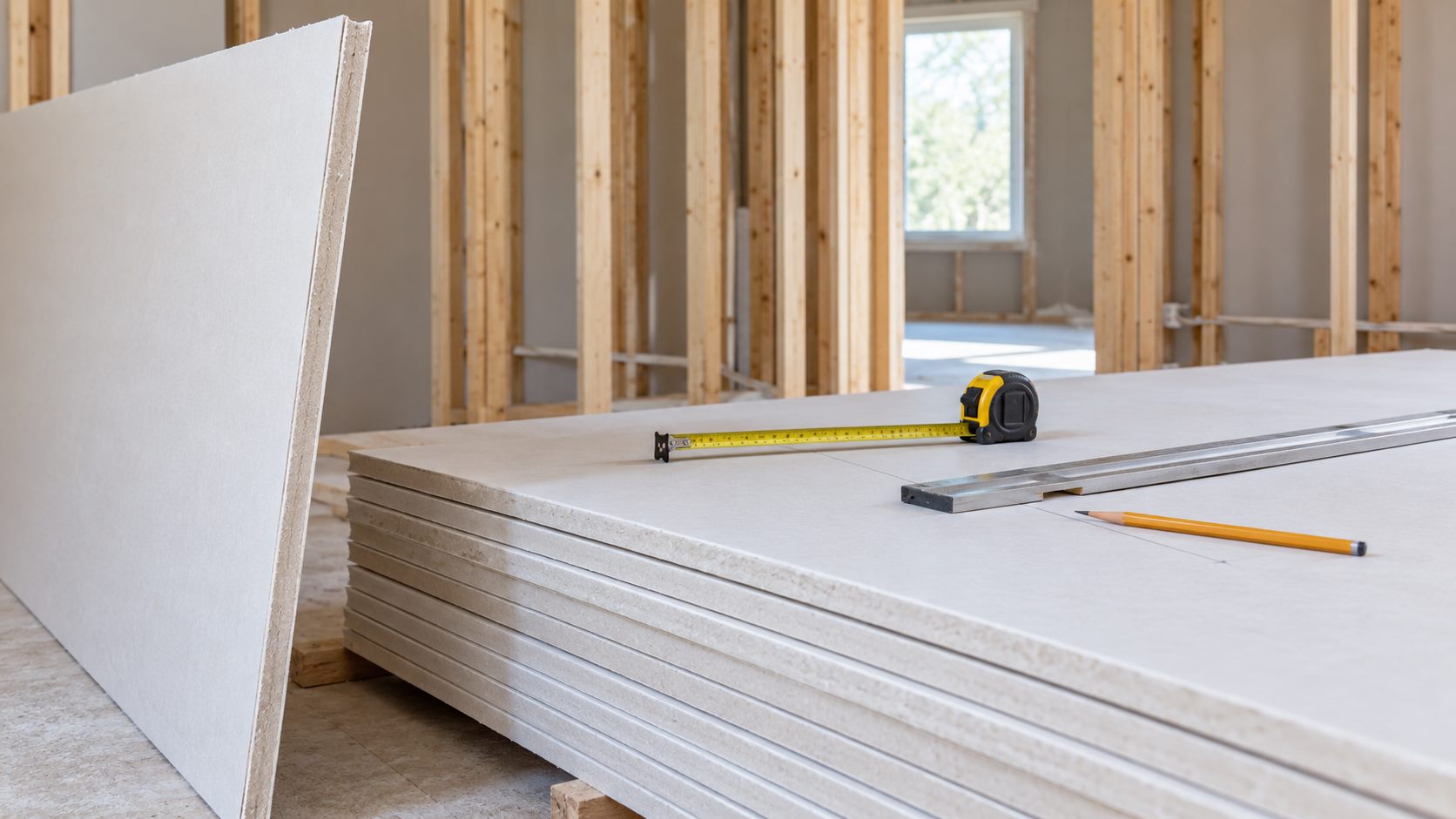
Plasterboard estimating is often reduced to “room area divided by sheet area”. That shortcut misses the things that create real orders: wall height, ceiling coverage, openings, board orientation, staggered joints, cut waste and whether you are boarding one face or both faces of a partition.
First decide what the board is doing
Before measuring, write down whether the board is for a wall, ceiling, lining, partition or a second layer. Record the board type, thickness, sheet size and whether the system needs a particular face, edge or fixing method. A quantity estimate cannot select a fire, acoustic, moisture or structural assembly.
British Gypsum’s White Book is a useful example of why the product and system matter: board, framing, fixings, joints and performance are specified together. Use current manufacturer guidance for the system you actually intend to build.
Measure walls and ceilings as separate surfaces
For a rectangular wall, multiply width by height. Measure every wall that will receive board and keep returns, reveals and nibs as separate rectangles. For a ceiling, measure the plan length and width, then check whether the sheets can be carried, supported and installed in the intended direction.
Do not automatically multiply the room perimeter by height if one wall is not being boarded, if a large opening interrupts it, or if a sloping ceiling changes the surface. Splitting the room into simple measured zones makes the estimate easier to check later.
Openings are deductions, not a complete cutting plan
Doors, windows and large service openings reduce the board face area. Measure the opening width and height, then consider the surrounding pieces: narrow strips, reveals, headers and the need to stagger joints. A theoretical area deduction can be larger than the useful offcuts created by the actual layout.
For a normal room, it is sensible to deduct large openings and retain a modest cutting allowance. For a room with many small openings, curved walls or lots of narrow piers, model each zone and increase the allowance rather than trusting one net-area number.
Worked example: one room, walls and ceiling
Take a room 12 ft by 10 ft with an 8 ft ceiling. The wall perimeter is 44 ft, so the gross wall face is 44 × 8 = 352 sq ft. A 3 ft × 6 ft 8 in door removes about 20 sq ft, and a 4 ft × 3 ft window removes 12 sq ft. Net wall face is about 320 sq ft.
The ceiling adds 12 × 10 = 120 sq ft. The combined net surface is therefore about 440 sq ft. A common 4 ft × 8 ft sheet has 32 sq ft of gross face, giving a simple first pass of 440 ÷ 32 = 13.75, or 14 sheets. That is not the order yet: wall orientation, ceiling cuts, joint staggering and waste mean a practical allowance might bring the order to 15 or 16 sheets.
Enter the surfaces and openings in the calculator using the actual sheet size and a stated waste percentage. If your planned layout produces long narrow offcuts, compare the result with a manual sheet layout before buying.
One face, two faces and ceilings
A partition boarded on both sides needs two board faces, even if the framing is counted once. The calculator should show the board faces separately so the assumption is visible. A ceiling is another surface; do not hide it inside a generic “room area” line.
If you are adding a second layer, count its coverage independently and check the system’s joint arrangement. Different layers may use different board types, sheet directions or fixing details. Keep each layer as its own material line.
Allow for board orientation and joint layout
Sheet orientation changes the waste pattern. A 4 ft × 8 ft sheet may cover a wall efficiently in one direction but leave awkward strips in another. Ceilings also need practical support and safe handling; the most area-efficient layout is not automatically the easiest or safest to install.
Stagger horizontal and vertical joints according to the chosen system. The calculator estimates sheets, but it does not draw a full fixing layout or confirm stud spacing. Do not use the sheet count as evidence of compliance with a fire, acoustic or structural requirement.
How to use the plasterboard calculator
- Choose feet/inches or metric before entering dimensions.
- Select the exact sheet length and width you are pricing.
- Add walls and ceilings as separate surfaces.
- Enter doors, windows and other large openings as deductions.
- Choose whether each surface is boarded on one or both faces.
- Set a waste allowance that matches the room shape and cut complexity.
- Review the board count, studs, fixings and jointing materials as separate lines.
- Print or save the result with sheet size, thickness, board type and date.
For related quantities, use the Insulation Calculator for a separately specified layer, the Plastering & Skimming Calculator for finish materials, and the Painting & Decorating Calculator for the final coating. Keep overlapping allowances out of the combined quote.
Related materials the sheet count does not prove
Board quantities are only one part of the order. Depending on the system, you may need framing, noggings or support, screws, adhesive, joint tape, jointing compound, edge protection, sealant and access equipment. The right items and spacing come from the selected system instructions.
For example, British Gypsum’s technical information specifies board, framing and fixing relationships for named systems. It would be unsafe to infer a universal stud spacing or screw pattern from a generic sheet calculator.
Common plasterboard ordering mistakes
- Boarding one side of a partition when the estimate assumed two.
- Using gross perimeter area without deducting large openings.
- Deducting openings but forgetting reveals, narrow piers and cut waste.
- Mixing metric sheet sizes with imperial dimensions without converting.
- Ordering by area and ignoring whole-sheet rounding.
- Using standard board where a moisture, impact, fire or acoustic product is specified.
- Assuming the calculator designs the framing or fixing schedule.
Frequently asked questions
How many plasterboard sheets cover a room?
Measure every intended surface, deduct genuine openings, divide by the usable sheet face and add a stated allowance. A room’s floor area alone is not enough.
Do I need twice as many sheets for a partition?
If both faces are boarded, the board face area is approximately doubled. Add each face separately so the assumption remains visible.
Should I deduct doors and windows?
Yes, for a first estimate. Then review the cuts and reveals around each opening because not all removed area becomes reusable board.
What waste percentage should I use?
Use a lower allowance for simple rectangles and increase it for many openings, small rooms, sloping ceilings, awkward returns or a layout with poor offcuts. Record the reason.
Can I use a different sheet size from the calculator?
Choose the closest exact product option or convert the dimensions carefully. Sheet size, orientation and whole-sheet rounding affect the result.
Does the tool tell me how many screws I need?
It can provide a planning allowance where enabled, but the system instructions and fixing pattern should control the final order.
Can I use this for a bathroom?
Only after selecting a board and system suitable for the intended location. Board quantity does not replace waterproofing or tanking requirements.
Does it include plaster skim?
No. Keep board and finishing materials separate, then use the plaster calculator for a separately measured skim or plaster finish.
Further reference
Read the current British Gypsum system specification for the named construction you are considering. Manufacturer instructions and local requirements take priority over a generic quantity estimate.