
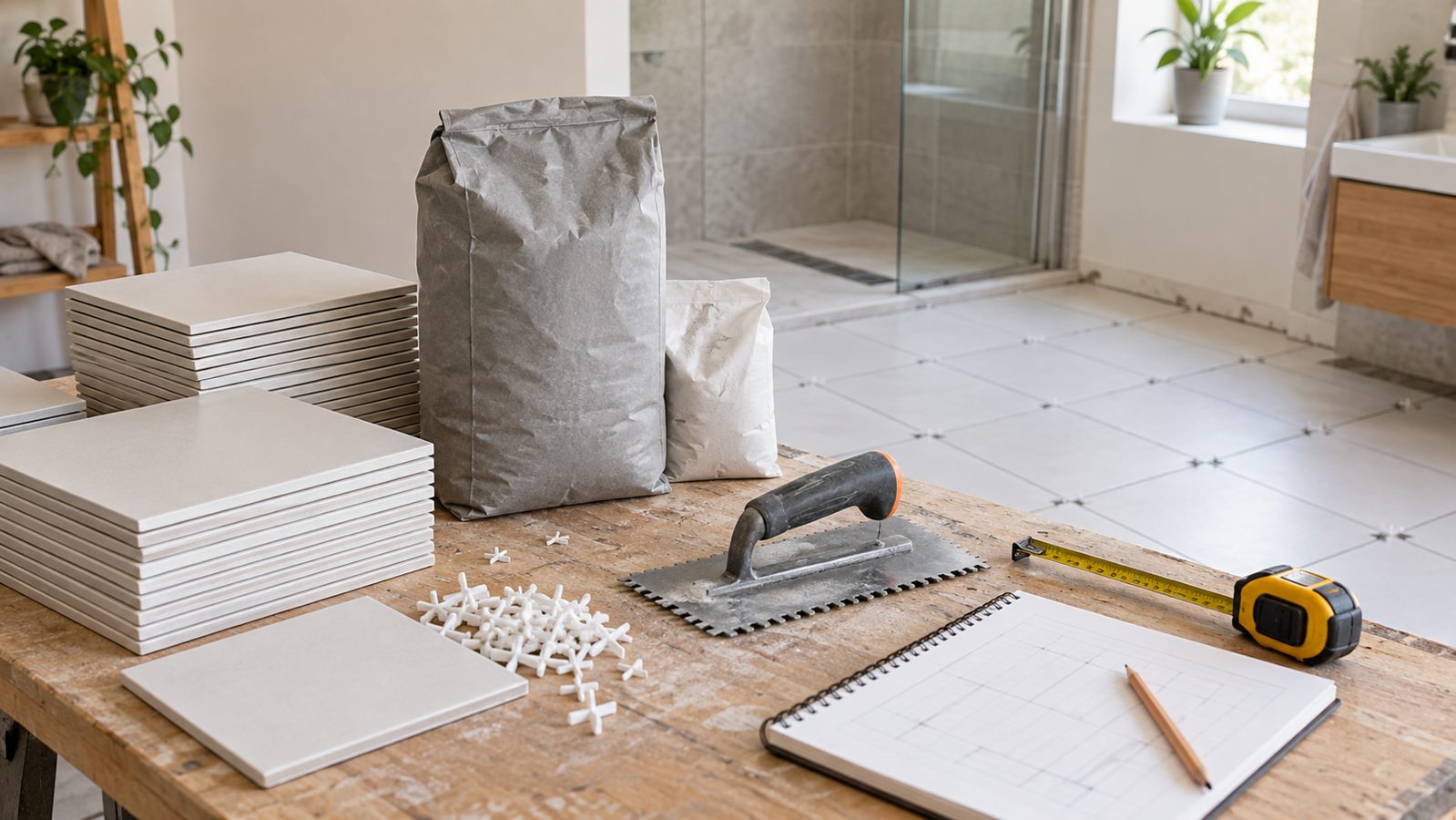
A tile order has three different quantity problems hiding inside it. First, you need enough tile to cover the surface and its cuts. Then you need complete boxes or packs. Finally, you need adhesive and grout in the amounts their own product data supports. Treating all three as one “square footage” calculation is how a shopping list becomes unreliable.
Measure each tiled surface, choose the actual tile size and purchase unit, add a considered waste allowance, then calculate adhesive from the manufacturer’s stated coverage and grout from the tile and joint dimensions. The Tile, Grout & Adhesive Calculator keeps those quantities separate and rounds purchase units up.
This US-first guide explains the fields, walks through two examples and shows what the estimate cannot decide. It helps you prepare an order; it does not select a tile system, trowel, substrate treatment or waterproofing assembly.
Measure the surface, not the room label
“Bathroom floor” and “shower walls” sound like single areas, but they are rarely calculated the same way. Sketch every surface that receives the selected tile. A rectangular floor is length times width. For a wall, use width times height. Break an L-shaped floor or a stepped wall into rectangles that do not overlap, then total them. Mark doors, windows and large untiled openings separately so you can decide whether a deduction is genuinely appropriate.
Use the actual tile dimensions printed on the specification or carton for the purchase estimate. A nominal tile size can be useful for shopping, but setting-out also needs the actual tile size and joint width. The Tile Layout & Setting-Out Calculator is the place to compare centerlines, edge cuts and orientation. It does not replace the quantity calculator, and the quantity calculator does not choose the best layout.
Keep materials separated by system. Floor tile and shower-wall tile may use different sizes, adhesives and grout colors. If so, estimate them as separate projects. Never add a floor adhesive coverage rate to a wall coverage rate and call the result a bag count.
How to use the Tile, Grout & Adhesive Calculator
1. Choose units and create the surfaces
Select Imperial units for feet, inches, square feet and US dollars if the measurements and product information are stated that way. Add each floor, wall, backsplash or separate rectangle under the area section. Enter length and width for floors; wall entries use width and height. Use the quantity field only for genuinely identical surfaces. In decimal feet, 8 feet 6 inches is 8.5 feet.
2. Add deductions only where tile is absent
Enter a door, window or large opening as a deduction only if it will not receive tile. Do not deduct a small outlet, a soap dish or a gap that will still generate cuts. A deduction changes the tile coverage calculation; it does not remove the time and waste caused by working around the feature.
3. Enter the tile purchase details
Enter the tile face length and width, then your waste allowance. The tool calculates raw tile quantity, rounds physical tiles up and converts that quantity to the stated tiles per box or pack. Check the exact carton before you order: boxes with similar-looking tiles may cover different areas. Use USD only if your price inputs are dollars; the currency selector changes the display label, not product pricing.
4. Enter adhesive coverage from its product data
Under adhesive, enter the coverage printed for the exact product, substrate and trowel combination you intend to use. A bag’s coverage changes with notch size, flatness, back-buttering and tile format. The calculator can divide an adjusted area by the coverage you supply; it cannot know whether a particular coverage figure applies to your project. If the product data offers several rates, confirm the relevant one before you calculate.
5. Enter joints for the grout estimate
Enter tile length, width, joint width and the intended joint depth. Grout is estimated from the volume of joints, so a larger joint or deeper joint changes the answer even if the tile area stays the same. Check the product’s pack size and stated coverage. Corners, changes of plane and movement joints are not automatically a grout quantity; they often require a specified sealant instead. Use the sealant and silicone calculator for those separate joints.
Two checked examples
Both examples use 12-by-12-inch tiles, four tiles per box, a hypothetical 5-square-foot-per-bag adhesive coverage, and $24 per tile box. The numbers show the estimator’s logic. They are not a recommendation for waste, adhesive, grout or cost on every project.
| Input or result | Example 1: simple floor | Example 2: same floor, different purchase assumptions |
|---|---|---|
| Measured tiled area | 12 ft × 10 ft = 120 sq ft | 120 sq ft |
| Waste allowance | 10% | 15% |
| Tiles before box rounding | 132 | 138 |
| Boxes of four tiles | 33 | 35 |
| Adjusted adhesive area at 5 sq ft/bag | 132 sq ft / 27 bags | 138 sq ft / 28 bags |
| Example tile-box cost | $792 | $840 |
Example 1: 120 square feet with 10% extra
A 12-by-10-foot floor contains 120 square feet. Each 12-by-12-inch tile covers one square foot before joints and cuts, so the raw piece count is 120. Multiply by 1.10 for the example allowance: 132 tiles. At four tiles per box, 132 divides evenly into 33 boxes. With the hypothetical adhesive rate, 132 divided by 5 equals 26.4, so the practical order is 27 bags. That bag count is only valid for the product coverage entered.
Example 2: why the layout discussion comes before the order
Keep the same floor and tile but change the allowance to 15% after the layout check reveals several cuts or a pattern that needs more spare material. The tile requirement becomes 138 pieces. Four-tile boxes mean 34.5 boxes, which rounds to 35. The adjusted adhesive area becomes 138 square feet, which needs 27.6 bags and rounds to 28. A small change in the allowance can add two boxes and one bag because materials are sold in whole packages.
Reproduce each scenario in the live calculator. Then use the setting-out tool with actual tile size and joint width. If the border cuts look poor, revise the layout before treating the first quantity result as a final order.
What this estimate leaves for the project plan
Tile, adhesive and grout are not the whole job. Floor preparation, membrane, edge trims, waterproofing, movement joints, fasteners, mixing supplies, delivery and labor must be planned separately. For a wet-area system, work through the bathroom waterproofing calculator using the specified system—not the tile area as a shortcut for every material.
Store a few matching tiles only when your supplier, budget and project plan support that decision. Keeping a repair reserve is different from assuming all box-rounding surplus will remain usable. Record the product code, shade or dye lot, finish and carton coverage with the saved calculation.
Useful trade reference: TileLetter’s mortar-coverage guide explains why the selected trowel and setting method affect real adhesive use. Use the product data sheet for the exact coverage figure you enter in the calculator.
Useful trade reference: TileLetter’s mortar-coverage guide explains why the selected trowel and setting method affect real adhesive use. Use the product data sheet for the exact coverage figure you enter in the calculator.
Why a tile estimate may surprise you
- The box total is higher than the tiles appear to need: boxes are whole purchase units. Round up; a fraction of a carton is not normally available.
- The adhesive number seems too large: confirm the coverage is at the correct trowel notch and application method. Do not use a generic coverage rate for every tile.
- The grout result changed after a joint edit: that is expected. Joint width and depth change the total joint volume even though surface area is unchanged.
- The estimate has too little extra for cuts: revise the allowance after checking layout, obstacles, diagonal work and the installer’s plan. A percentage should reflect the actual project.
- The price does not match a supplier quote: compare the exact carton coverage, pricing unit, taxes, delivery and whether the supplier’s quote includes a separate allowance.
Tile, adhesive and grout FAQs
How many tiles do I need for a 10-by-12-foot floor?
The area is 120 square feet. With 12-inch square tiles, that is 120 pieces before an allowance. The final order depends on cuts, waste, boxes and the actual carton details.
Should I calculate tile by square feet or by box?
Do both in sequence. Area identifies the base coverage; box coverage or tiles-per-box controls the purchase quantity. Round the final purchase up to complete boxes.
Does grout use the same coverage as adhesive?
No. Adhesive coverage comes from the product and installation method. Grout is tied to the joint geometry and product pack information. Keep them as separate entries.
Is 10% waste always enough?
No. It is a common starting example, not a rule. A straight layout in a simple room, a diagonal pattern, a niche-heavy shower and a large-format tile can produce different cutting needs. Inspect the layout before settling on an allowance.
Do grout joints reduce the tile order?
Joints occupy a small amount of surface, but they do not eliminate the need for whole tiles, edge cuts and packaging. Use the calculator for the estimate, then check the actual setting-out.
Can I use this for walls and floors together?
Only if they use the same tile, adhesive and grout assumptions. Otherwise create separate calculations so the product coverage and purchase units stay clear.
Does this calculate waterproofing?
No. Tile finish and waterproofing are different material systems. Use the dedicated waterproofing calculator with the chosen system.
Open the Tile, Grout & Adhesive Calculator →
Bring your measured surface sketch, actual tile carton and adhesive coverage sheet to the calculation.