
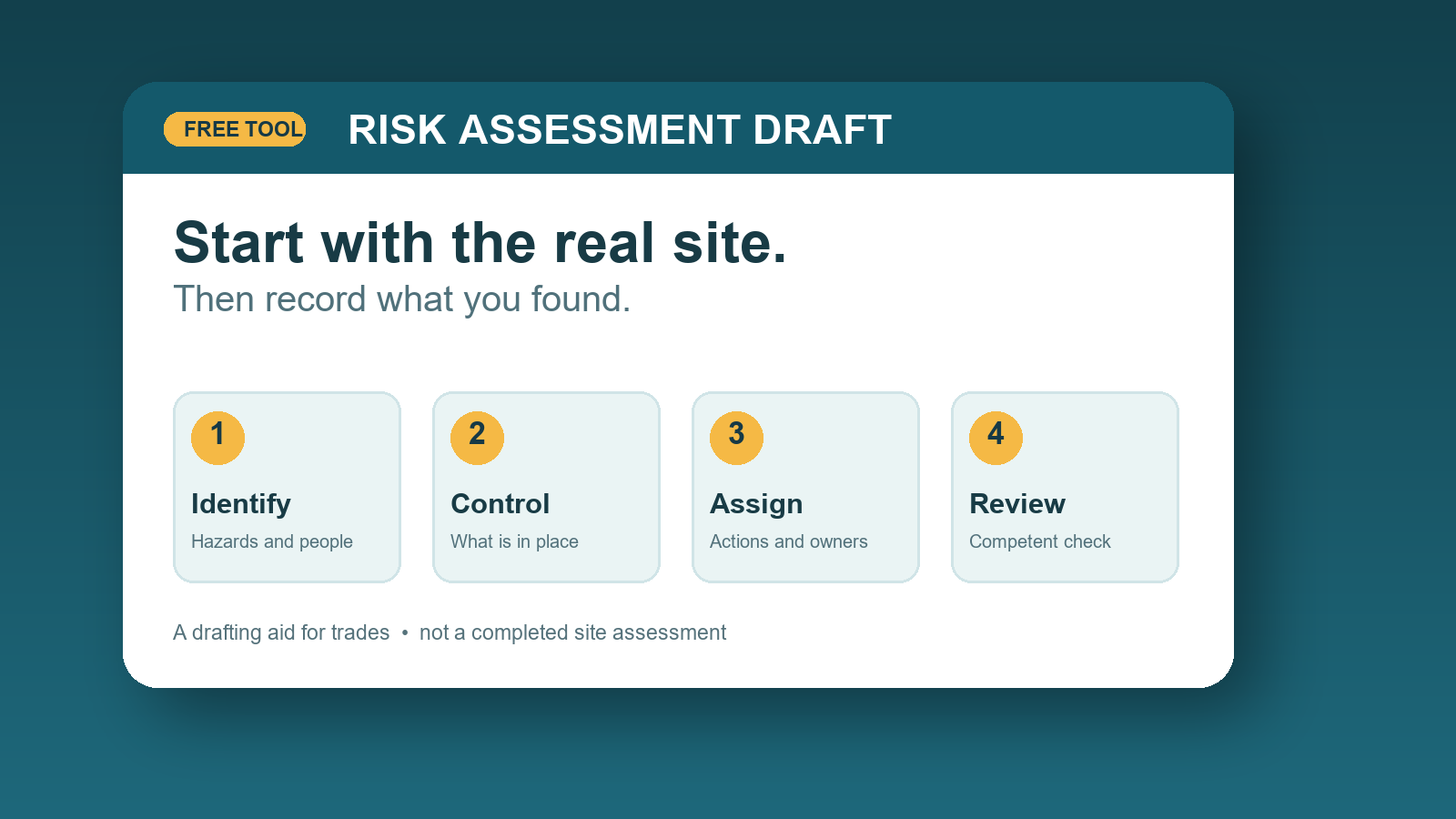
A risk assessment is useful only when it reflects the job in front of you. A copied list of generic hazards can look reassuring while missing the awkward access route, the client still using the building, or the unexpected material you find when you start work. The aim is to make the work safer and give the team a clear record of what needs doing.
Our free risk assessment generator for trades helps you turn a site walk-through into an editable draft. You can add hazards and controls, name action owners, review risk scores and print a copy without creating an account. Treat the result as a starting document: a competent person still needs to check it against the actual site, task and people involved.
Start at the site, not at the form
Before typing, walk the route the work will take. Look at where materials arrive, where they will be stored, how tools will be powered and who else can enter the area. Ask the person in charge about normal use of the space, previous problems and any restrictions. If the job changes during the day, revisit the assessment rather than assuming the morning version still applies.
The UK Health and Safety Executive describes the basic process as identifying hazards, considering who could be harmed and how, evaluating controls, recording findings and reviewing them. Its risk assessment guidance is a useful primary reference. Requirements depend on the business and work involved; this article and tool do not replace that guidance or specialist advice.
Write each hazard so someone can act on it
“Slips and trips” on its own says very little. “Loose extension lead across the occupied hallway while carrying plasterboard” tells the next worker where the problem is and when it matters. Name the people exposed too: your team, a client, visitors or another contractor may each need a different control.
Then describe what will actually change. “Take care” is hard to verify. “Route the cable away from the hallway; use a suitable cover where crossing is unavoidable; keep the route clear and check it before deliveries” is much more useful. Choose controls appropriate to the work and follow applicable manufacturer instructions and site rules.
A small worked example
Imagine a contractor replacing a damaged internal door in an occupied home. The route from the van crosses the entrance hall and the work involves removing the old door, cutting the replacement and moving bulky timber.
- Hazard: A door leaf or long timber could strike someone in the narrow entrance.
- Who may be affected: The installer, the homeowner and anyone walking through the hall.
- Possible controls: Agree a clear work area and delivery route, move materials when the route is free, keep the removed door secure, and prevent people entering the cutting area.
- Action owner: Name the person who will set up and check those arrangements before work starts.
- Review trigger: Recheck if another trade arrives, the access route changes or the work moves to a different room.
That example is deliberately limited. It cannot tell you whether a particular tool, fixing, material or site condition needs additional controls. Those decisions belong to the people assessing the real job.
How to use the free generator
- Open the risk assessment generator and enter the job and site details you know. You can also add company details and a logo if they help identify the document.
- Add one specific hazard at a time. Describe the activity, who may be harmed, and the controls that will be in place.
- Use the initial and residual risk fields as prompts for discussion. A lower residual score is meaningful only if the proposed controls are practical and will actually be implemented.
- Assign actions and review dates where needed. An owner and a date make unfinished controls visible.
- Print or save the document as a PDF, then review it with the relevant people before using it on site.
You can export an empty document if you want to complete it offline. It is clearly marked as a draft requiring competent review. Filling fields or producing a PDF does not make the assessment complete.
What often gets missed?
People outside your team. In an occupied home or commercial building, a neat work area may still affect people who do not know the job is happening. Think about access, noise, dust and moving materials.
Changes during the job. A different work method, hidden damage, new equipment or a second contractor can change the risks. Put a review point into the work rather than filing the document away.
Controls that nobody owns. If a barrier, isolation, clearance check or briefing must happen before work, write down who is responsible. Do not treat an intention as a control already in place.
Overconfident scoring. A number is a communication aid, not a guarantee. If a risk remains unclear or severe, get appropriate competent advice and resolve the issue before the work proceeds.
Frequently asked questions
Can I use the same risk assessment for every job?
A previous assessment can help you remember common hazards, but you should check and adapt it for each site and task. Access, occupants, materials and other work can differ even when the job title is the same.
Does the generator make an assessment legally compliant?
No. It creates an editable draft. Compliance depends on the actual work, the people involved, suitable controls and the applicable requirements. A competent person must review the result and make site-specific decisions.
Can I download a blank PDF?
Yes. The print or save option works even before you fill in the form, so you can take a blank draft to a site visit. Complete and review it before relying on it for work.
When should I review an assessment?
Review it when conditions, people, equipment or the work method change, and after an incident or new information. For a longer job, set sensible review points rather than waiting until the end.
Ready to build your first draft? Open the free risk assessment generator, walk through the real job, and use the document to support a conversation with the people doing the work.